Back to School Illustration Vector: Practical Uses for Creators, Marketers, and Educators
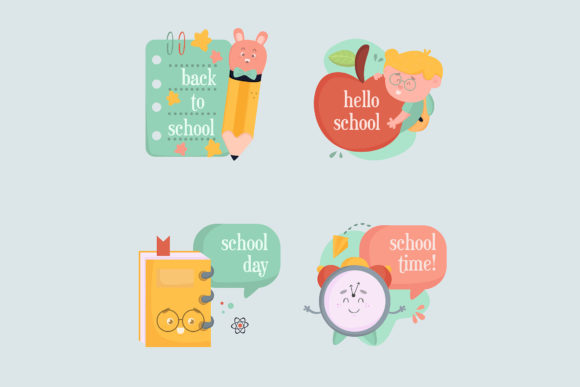
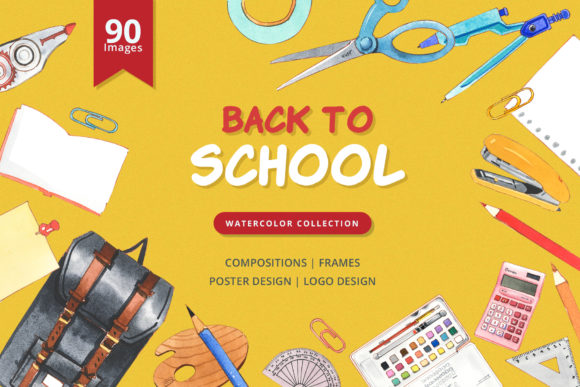
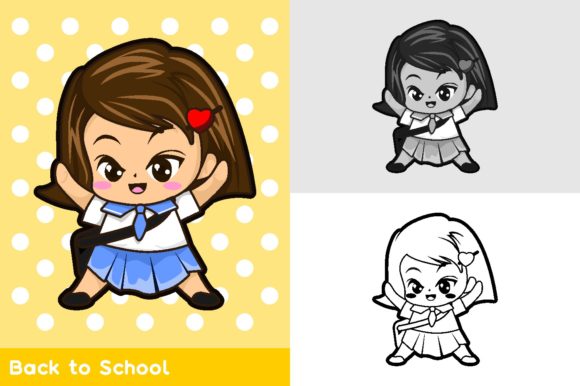
Whether you’re prepping classroom materials, designing a promotional flyer, or refreshing your website’s seasonal look, a Back to School Illustration Vector can save hours of work. These are pre-made digital graphics—usually drawn in clean, scalable lines—that come in two color models: full color and monochrome black and white. They are typically delivered as EPS and JPEG files, and the real advantage is how easy they are to modify. You can change colors, resize without quality loss, and adapt the artwork to fit almost any project. For anyone who needs professional-looking school-themed visuals without starting from scratch, these vectors are a practical shortcut.
Where These Illustrations Fit Into Real Projects
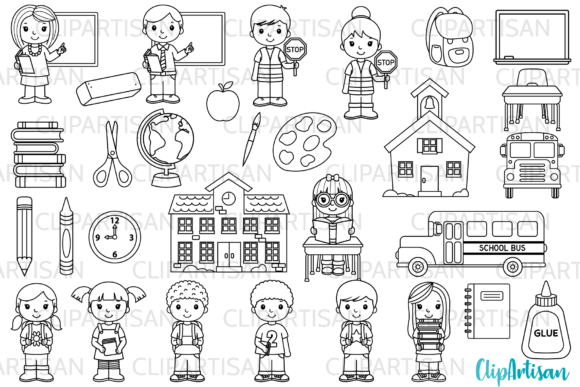
The beauty of a vector illustration lies in its versatility. Because it’s resolution-independent, you can use the same file on a business card, a poster, a social media graphic, or a large banner without worrying about pixelation. The back-to-school theme—think apples, pencils, globes, books, buses, and chalkboards—works naturally in several everyday settings.
- Classroom materials: Teachers can drop a color vector into a homework assignment, a bulletin board header, or a “welcome back” sign. For handouts that need to be photocopied, the monochrome black-and-white version is ideal—no wasted toner, and students can color the illustrations themselves.
- School newsletters and emails: PTA volunteers or school administrators can use a single vector to unify the look of weekly announcements. Because it’s editable, you can change the colors to match your school’s branding.
- Small business signage: A local bookstore running a back-to-school sale can print a color vector on a window decal or use the monochrome version for a simple in-store flyer. The EPS file lets you tweak the hue to match your logo.
This isn’t just for educators or retailers. Freelancers creating templates on marketplaces often start with a vector base because it’s fast to personalize for different clients. Bloggers use these illustrations as featured images for articles about homework tips or supply lists. Even hobbyists making custom lunchbox labels or party invitations find that a cohesive set of vector art gives a polished look with minimal effort.
Why Color and Monochrome Options Matter
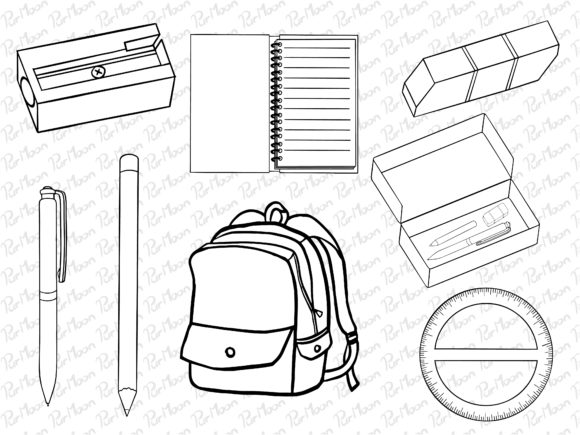
Having both a color and a black-and-white version of the same illustration changes how you can use one file. The color variant is perfect for digital screens, social media posts, and high-quality print runs. The monochrome version, on the other hand, is a workhorse for budget-friendly projects. If you need to print 300 copies of a school event flyer on a standard office printer, grayscale artwork prints faster and looks cleaner than trying to convert a color image yourself. Plus, black-and-white vectors double as line-art coloring pages—a feature teachers and parents genuinely appreciate during the first week of school when engagement needs a boost.
Another practical angle: when you design a document that will be shared in multiple formats, like a PDF that will be viewed on screens and also printed at home, having one color vector for the digital version and one monochrome for the print version saves you the step of manually desaturating or recoloring. It’s a small time-saver that adds up when you’re creating a whole set of materials.
How Different Users Benefit from Vector Versions
Educators and school staff often have tight deadlines and limited design tools. A vector file that comes with a JPEG preview means you can use the illustration immediately in Microsoft Word or Google Docs (via the JPEG) or open the EPS in Illustrator or Inkscape for full control. The ease of modification—simply select the shape and pick a new fill color—lets you adapt the same apple or pencil icon to fit a specific subject or grade level. A kindergarten teacher might want bright primary colors; a high school math teacher might prefer muted tones. With one vector file, both are possible.
Marketing professionals and small business owners value consistency across multiple channels. Using the same back-to-school vector on a Facebook ad, an Instagram story, and a print coupon creates a cohesive campaign. Because the EPS file is layered, you can isolate elements—for instance, use the pencil by itself as a bullet point in a product description, or rebuild the entire illustration into a custom banner. The JPEG version works as a quick place holder while you iterated on the layout.
Freelance graphic designers often need to present clients with options. A vector set that includes both color and monochrome variants gives you material for two distinct visual directions without extra work. You can show a client a full-color version for a website header and then propose a minimalist black-and-white version for a brochure. If the client wants changes, you can recolor the EPS in minutes instead of redrawing anything.
Hobbyists and at-home creators use these illustrations for personal projects like handmade cards, scrapbook pages, or to-do lists for kids. The JPEG format is especially friendly—no special software needed. But if someone wants to change colors to match a party theme, the included EPS file lets them do that with any vector editor.
The Real Value of Easy Color Modification
The phrase “easy to modify” often sounds like marketing fluff, but with vector illustrations it genuinely changes how you work. An EPS file is essentially a bundle of paths and fills. You can open it in Adobe Illustrator, Affinity Designer, or even free tools like Inkscape and change the color of every element individually. For example, if your school’s colors are navy and gold, you can select the school bus in the illustration and change its yellow to gold, then change the background from white to navy. The result looks like a custom illustration created for your specific needs.
This ability to recolor also matters when you need to produce materials for different seasons or sub-themes. A back-to-school vector with a globe can have its continents recolored for a geography special, or the apples turned green for a healthy eating campaign. The same base file keeps your visual identity consistent while you adapt the message.
Another overlooked benefit: you can reuse the monochrome version as an overlay on a colored background. For instance, take the black-and-white vector, invert it to white, and place it over a dark blue background for a modern, high-contrast look. No need to download a separate file—it’s all in the EPS layers.
What to Consider Before Downloading or Using
Before you commit to a particular Back to School Illustration Vector, check a few practical details that affect your actual usage.
- License terms: Some vectors are limited to personal use only. If you’re a small business or intend to use the artwork on merchandise or commercial print materials, look for a commercial license or royalty-free terms. Reading the fine print saves you from legal headaches later.
- File format compatibility: EPS files require vector software to edit. If you only have a basic image viewer or Microsoft Office, you may be limited to the included JPEG version. Check that the JPEG resolution is high enough (300 dpi for print, 72 dpi for screen) for your purpose.
- Color model: Know your output. If you’re printing professionally, you want vectors in CMYK color mode. If you’re designing for a website, RGB is fine. Many vector packs come in RGB only, which can shift colors when converted to CMYK. Look for files that specify both or at least state the intended use.
- Scalability expectations: Vector files can scale to any size, but the illustration’s complexity matters. Very detailed vectors with many nodes may become difficult to edit or print. For most back-to-school icons, simplicity is actually a benefit—they’re icons, not full-detail paintings.
- Ease of modification: Not all EPS files are equally editable. Some are grouped or contain masks that make recoloring tricky. Preview the layers if possible. The best vectors are organized so you can select one color and change it globally.
Practical Tips for Getting the Most Out of These Illustrations
Once you have your vector set, think of it as a toolkit rather than a single image. Combine multiple illustrations to create a cohesive scene. For instance, place the apple, pencil, and book on a transparent background using your vector editor, then export as a single PNG for a blog header. For a flyer, use one large illustration as a focal point and smaller repeated icons as borders or dividers.
The monochrome version is perfect for low-cost printing projects. Print a batch of bookmarks with the black-and-white illustration, and let students color them in as a first-day activity. Or use the line art to create a simple coloring sheet that teaches a concept—like an apple with a worm pointing to the letter “A.”
When you need a consistent look across multiple files, recolor the vector to match a brand palette once, then save that version as a custom template. That way, every time you use the illustration, it already fits your color scheme without additional edits. Over a semester, this approach saves hours of repetitive work.
Finally, don’t overlook the JPEG preview. Even if you keep the EPS for editing, the JPEG is useful for quick mockups, drag-and-drop slides, or sharing with colleagues who don’t have vector software. It’s the low-friction way to get the illustration into use immediately while you refine the edited version later.
Back to School Illustration Vectors are one of those resources that seem simple at first but become more valuable the more you use them. Whether you’re a teacher finalizing a syllabus, a freelancer building a client presentation, or a parent organizing a classroom party, having a ready-to-use, color-swappable set of school-themed graphics means less time hunting for art and more time focusing on the real work. The combination of color and monochrome options, plus the ability to modify everything in the EPS file, turns a single download into a versatile asset that adapts to endless real-world situations.